A day with Roamschool.
Here is what it looks like in practice — from the back seat of the car to the campfire.
The child opens the app
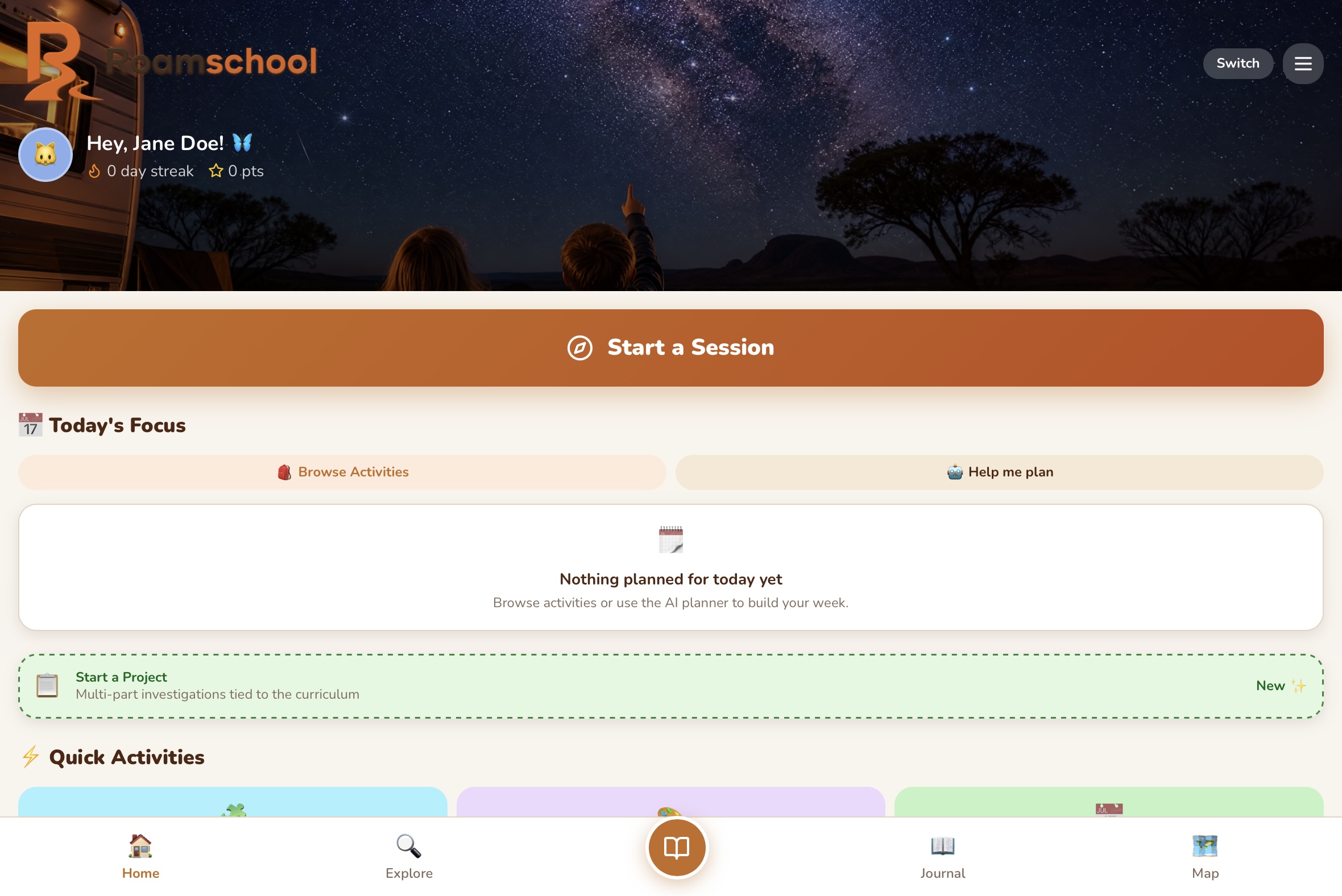
They are greeted by their tutor character on the home screen. The tutor says good morning, shows them their streak and points, and suggests what to work on today. If the parent has set up Planner Mode, today's scheduled sessions are shown. If in Flexible Mode, the tutor recommends the strand that needs the most attention.
They choose their session mode
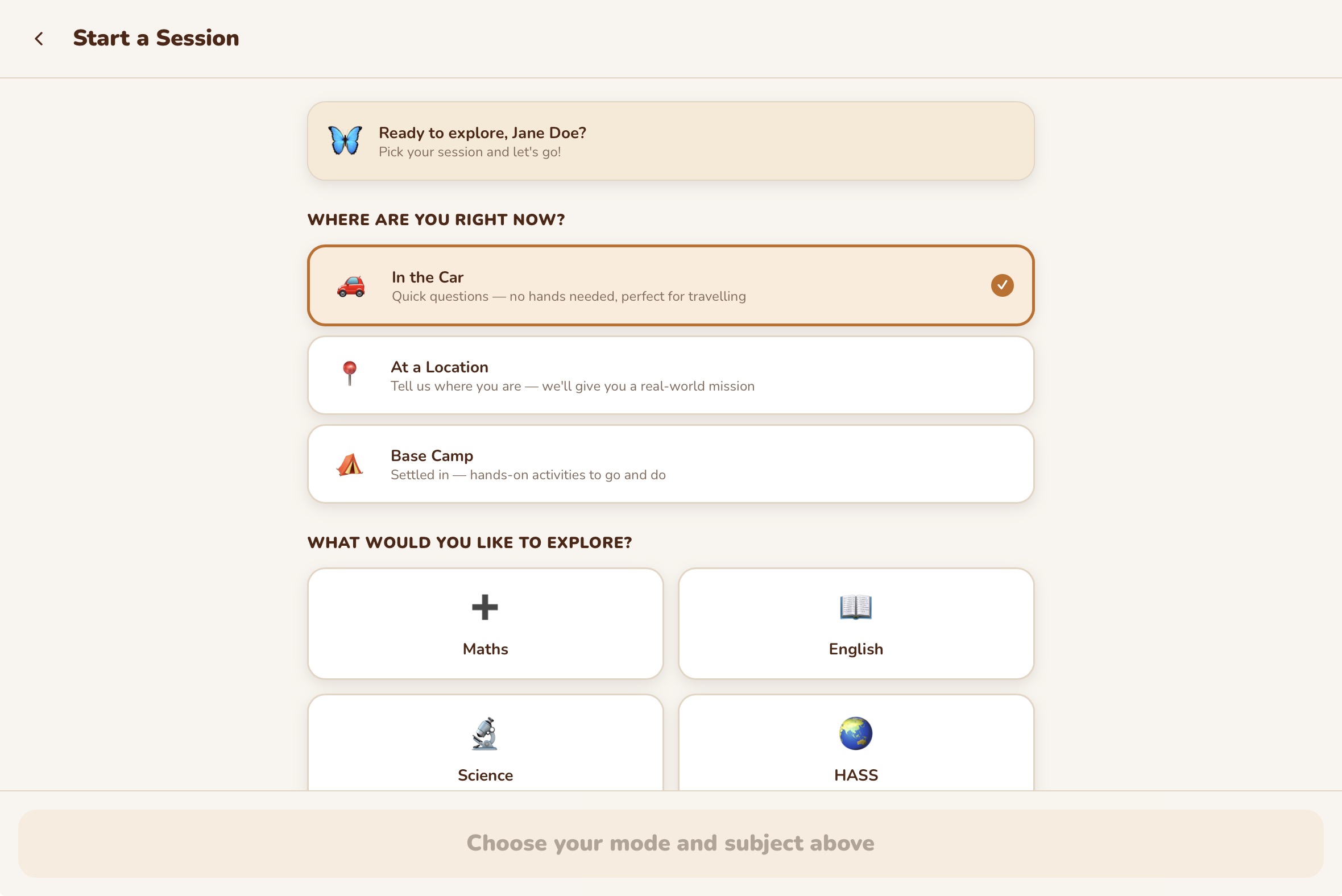
They tap "Start a Session" and choose: In the Car, At Camp, or At a Location. If they are at a specific place, they can describe where they are and the AI will use that context to generate relevant activities and missions.
They work through activities with their tutor
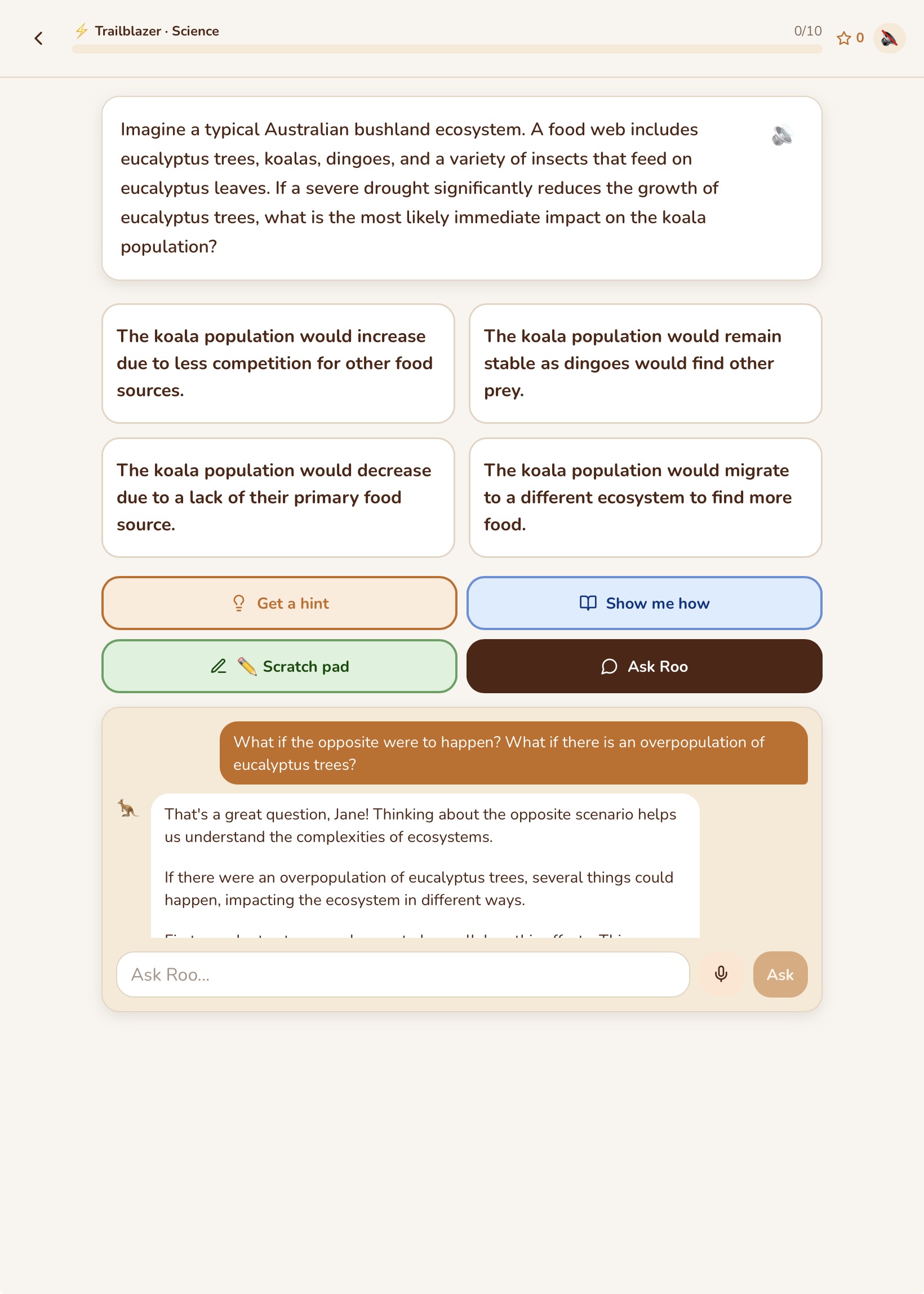
The tutor presents curriculum-aligned questions, one at a time. For each question, the child can ask for a hint, use the scratchpad to work things out, or tap "Show Me How" for a full Montessori worked example. The tutor responds to their answers with encouragement, corrections, and follow-up questions.
They accept a mission
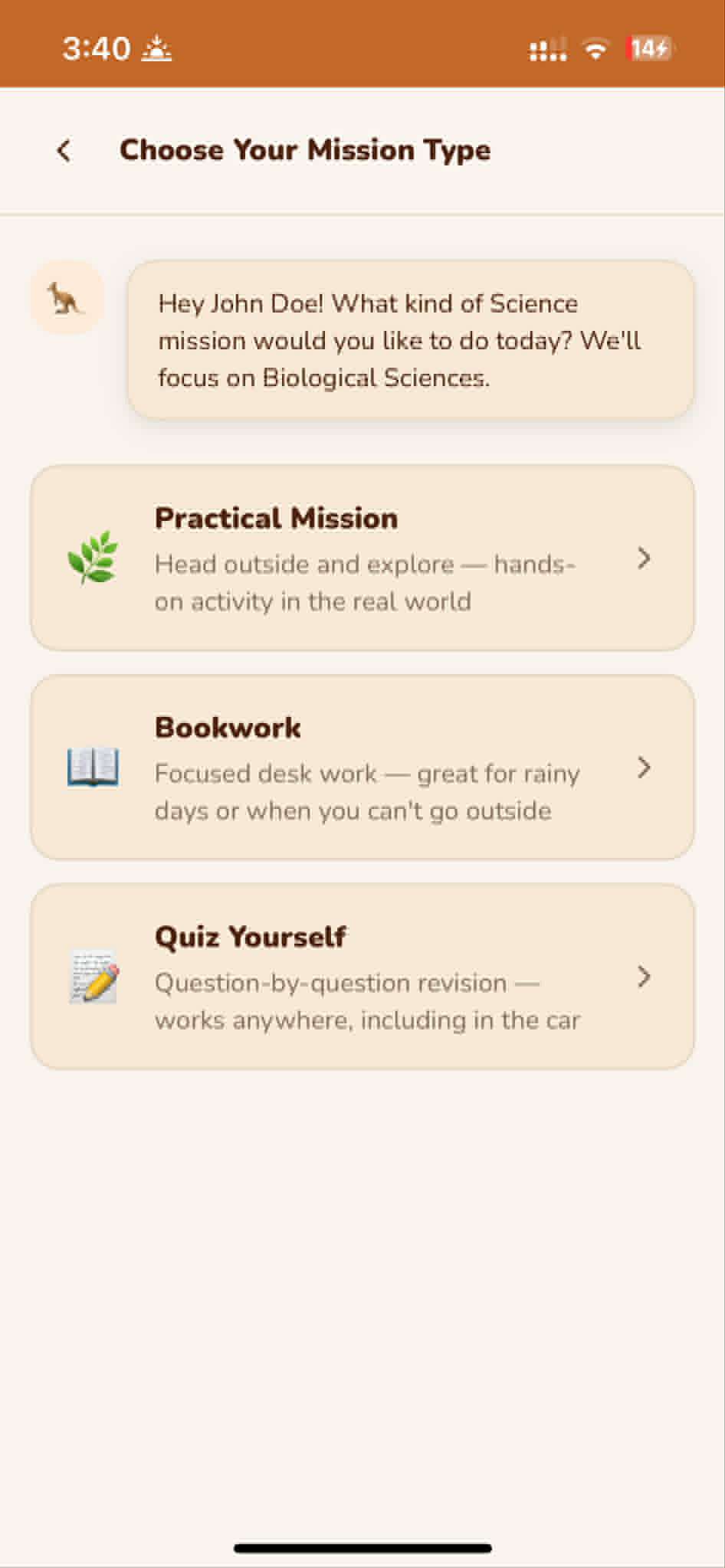
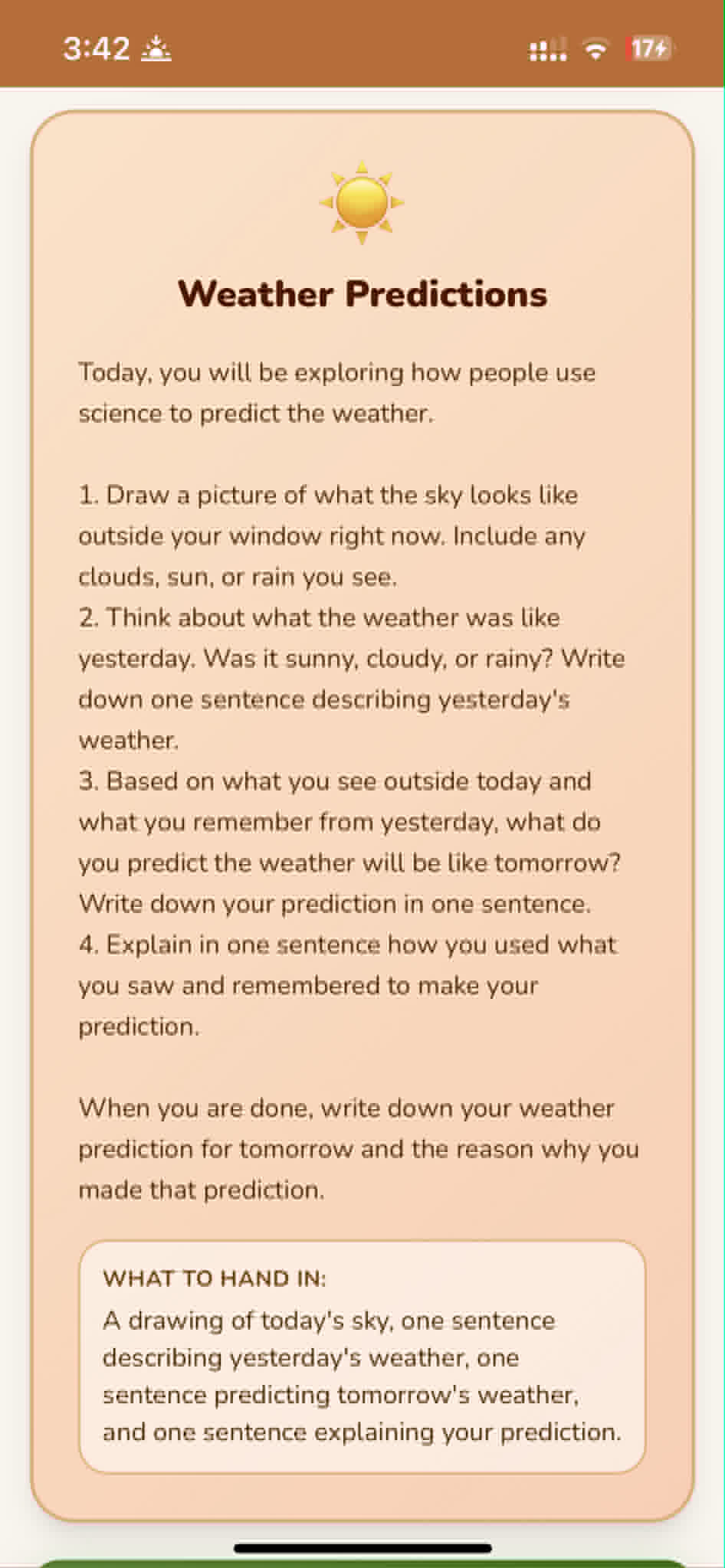
After the session, the tutor offers a mission. The child chooses the type (Practical, Bookwork, or Quiz), reads the mission briefing, and accepts it. The mission is saved to their Active Missions so they can come back to it.
They go and do it
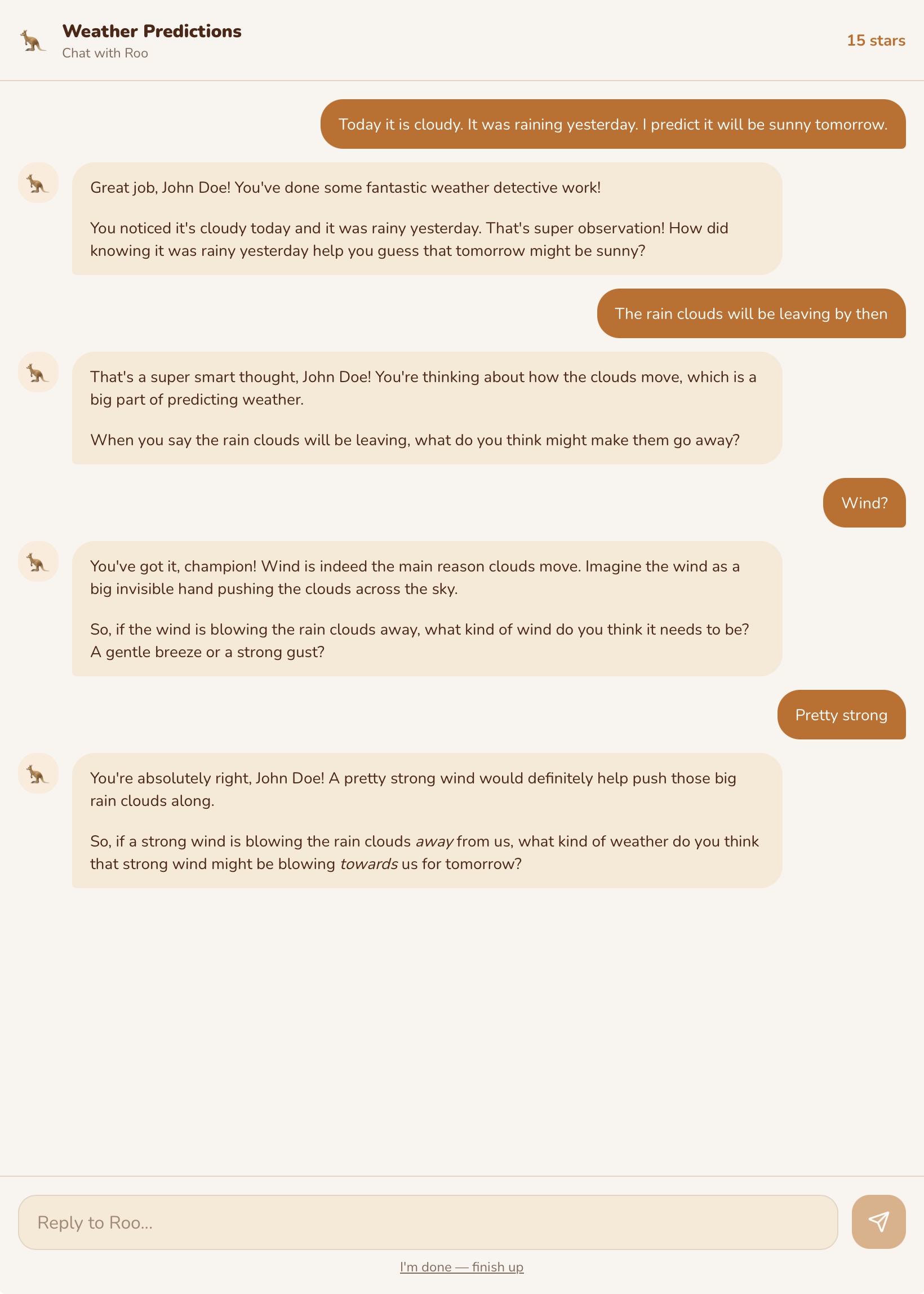
For a Practical Mission, the child goes outside and does the activity. They come back and report what they found — in writing, with a photo, or both. The tutor asks follow-up questions based on what they discovered.
They write in their journal
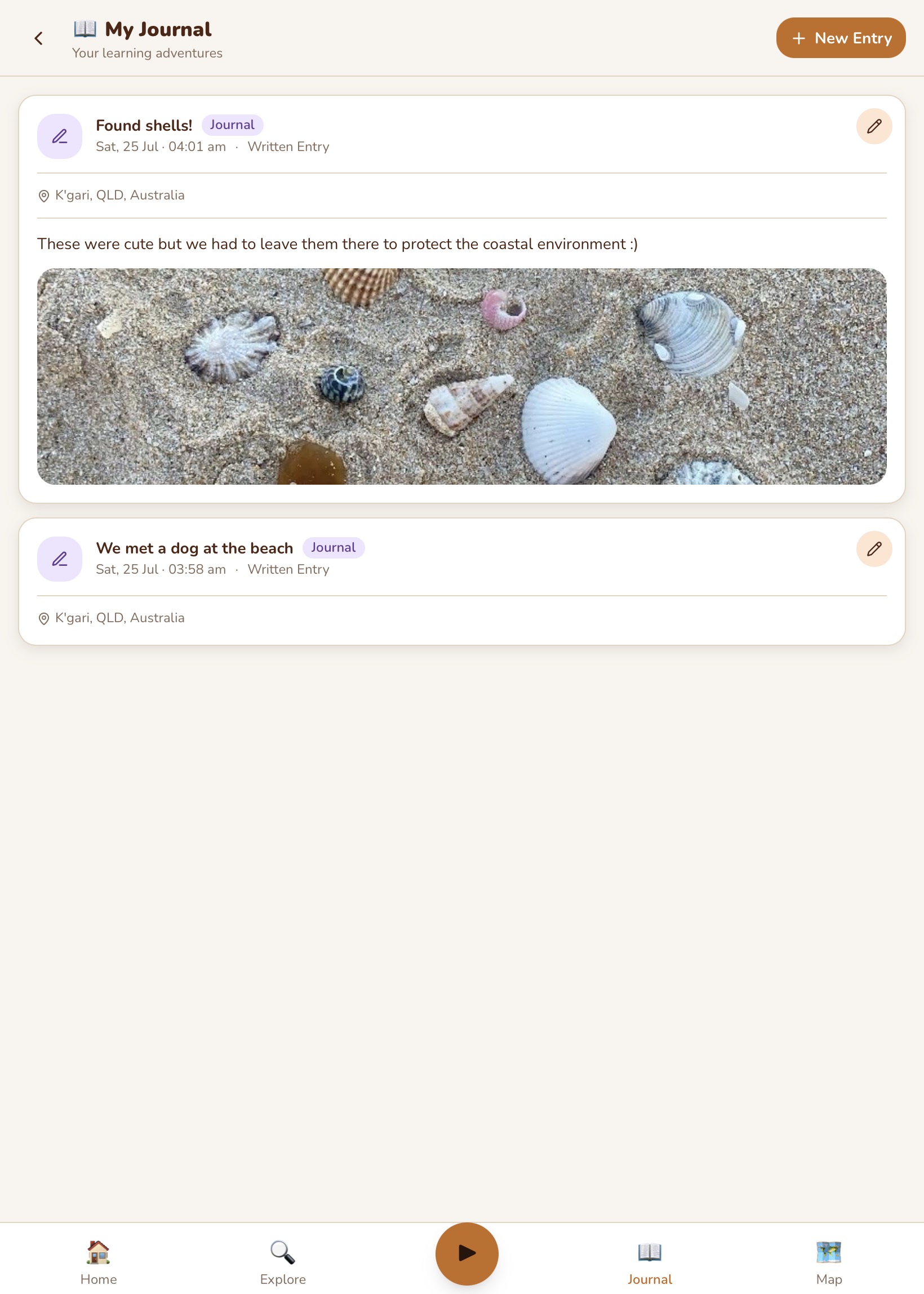
At the end of the day (or whenever they feel like it), they add a journal entry about where they are and what they have seen. The entry is pinned to the adventure map.
The parent checks in
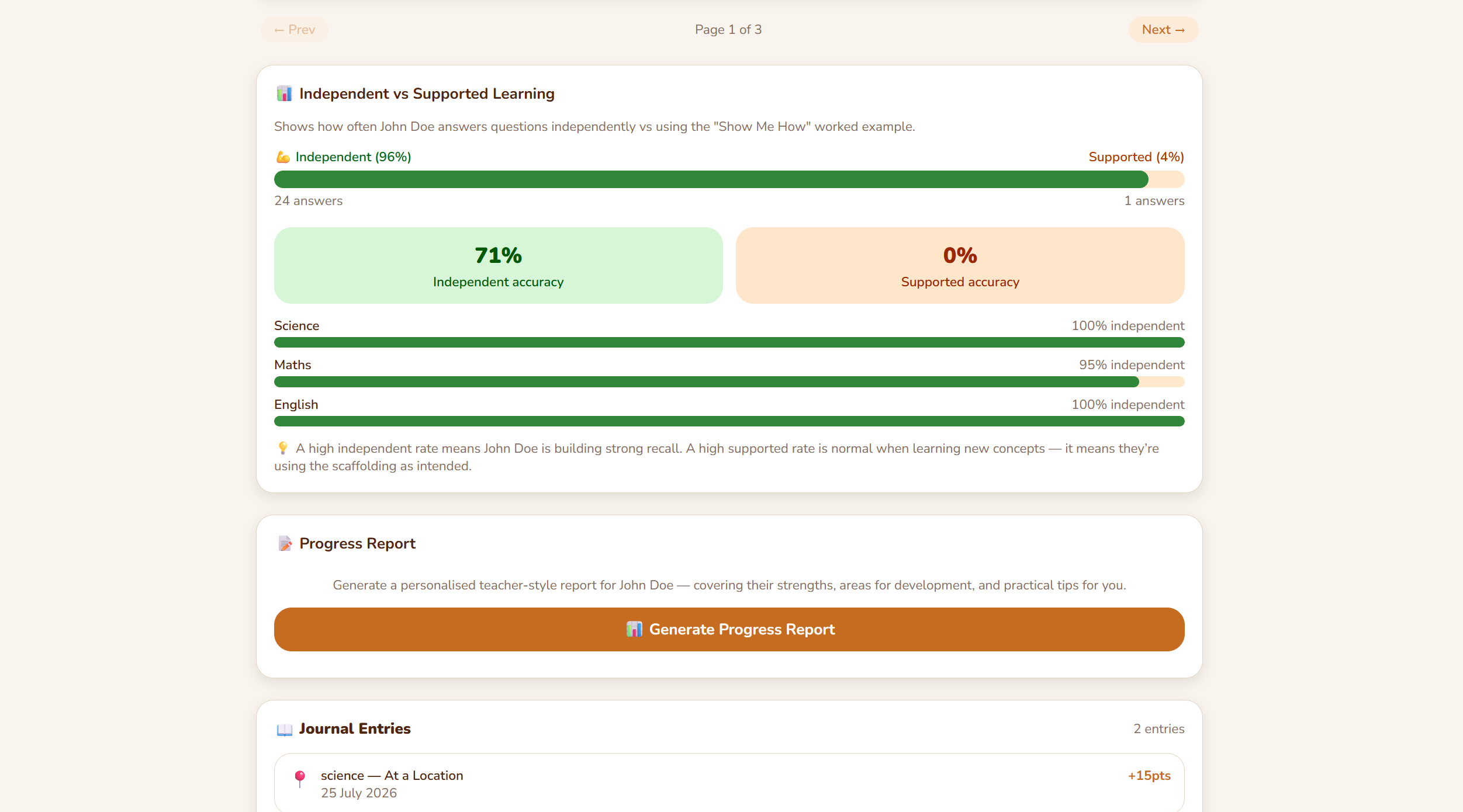
The parent opens the dashboard and sees what was covered today — which strands, how many questions, accuracy rate, and whether the child needed hints. They can see the tutor conversation log, check the progress report, and adjust the plan for tomorrow.